
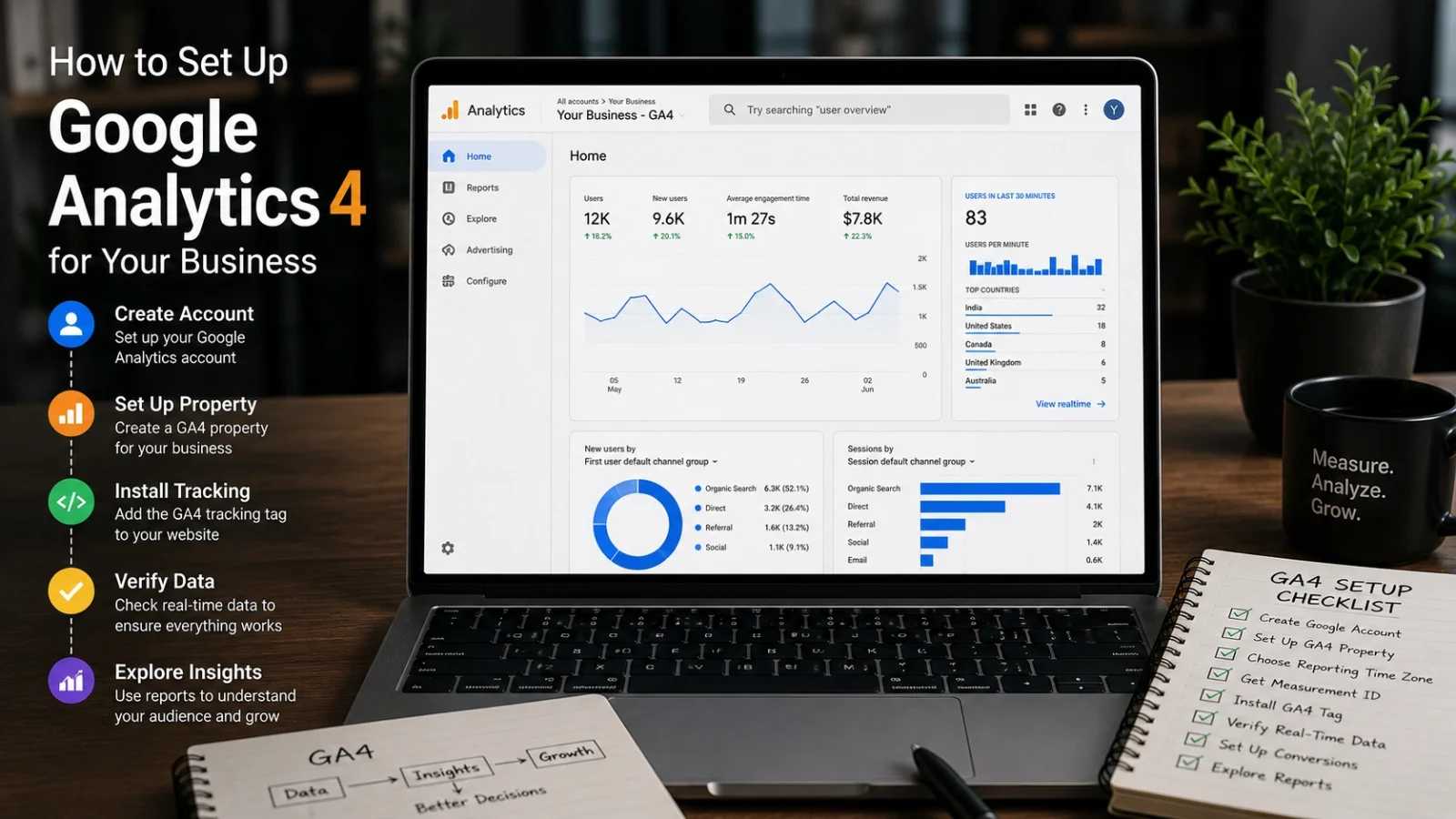
Many businesses have Google Analytics installed but still cannot answer the question that matters most:
Which marketing activity actually generated a lead or sale?
The problem is usually not that GA4 is missing. It is that GA4 was installed without configuring meaningful conversion events.
Analytics becomes useful only when website activity is connected to business outcomes.
GA4 is built around events
Google Analytics 4 records user actions as events.
These can include page views, button clicks, form submissions, calls, WhatsApp clicks, checkout events and purchases.
GA4 does not automatically understand which of these actions are most valuable to your business. Those need to be defined and configured properly.
A practical GA4 setup process
Configure the basic business settings
Set the correct business information, currency and time zone so future reports remain consistent.
Track every important page
Google Tag Manager is often the most flexible approach because future events and advertising tags can be managed centrally.
Decide what success actually means
Track actions such as form submissions, consultation bookings, phone calls, WhatsApp clicks, add-to-cart events and purchases.
Understand organic search behaviour
Search Console adds visibility into Google queries, impressions, clicks and organic landing pages.
Link marketing spend to real outcomes
Google Ads and other advertising platforms should use reliable conversion tracking rather than optimising only around clicks.
Which conversions should businesses track?
| Business type | Useful conversions |
|---|---|
| Service business | Contact forms, consultation bookings, calls and WhatsApp enquiries |
| E-commerce | Purchases, checkout starts, add-to-cart events and product interactions |
| SaaS | Trials, registrations, demos and subscription purchases |
| Lead-generation website | Quote requests, form completions and qualified booking events |
Common GA4 setup mistakes
Tracking only part of the website. Missing pages create incomplete customer journeys.
No conversion events. Traffic appears in reports, but business performance remains invisible.
Internal traffic included. Employee visits can inflate engagement and page-view data.
Duplicate properties or tags. Multiple installations can distort reports and create inconsistent numbers.
Events configured but never tested. Tracking should always be verified using real test submissions and purchases.
Never assume conversion tracking works because the tag was installed. Trigger the event yourself and verify the data.
Do you need Google Tag Manager?
GA4 can be installed without it.
However, Google Tag Manager makes future event tracking, advertising pixels and custom measurement easier to manage without repeatedly modifying website code.
For businesses running several marketing channels, it usually provides a cleaner long-term setup.
How long before GA4 data becomes useful?
Basic activity can begin appearing quickly after setup.
But strategic conclusions should not normally be based on only a few days of traffic.
For many businesses, four to six weeks of clean, consistent tracking provides a much more useful baseline for understanding channel and conversion behaviour.
Frequently asked questions
Is GA4 free?
Yes. Standard Google Analytics 4 is free for most business websites.
Can GA4 track WhatsApp clicks?
Yes. A click event can be configured for WhatsApp buttons or links and marked as an important conversion where appropriate.
Can GA4 show which campaign generated a sale?
Yes, provided campaign tagging, attribution and conversion events have been implemented correctly.
Monk Media One configures conversion-focused analytics as part of website, SEO and paid-marketing projects so campaign decisions are based on business results rather than traffic alone.
Turn website activity into useful marketing data.
Track the actions that matter before increasing your advertising or SEO investment.
Explore Analytics & Marketing